From daily transactions to clearer tax figures
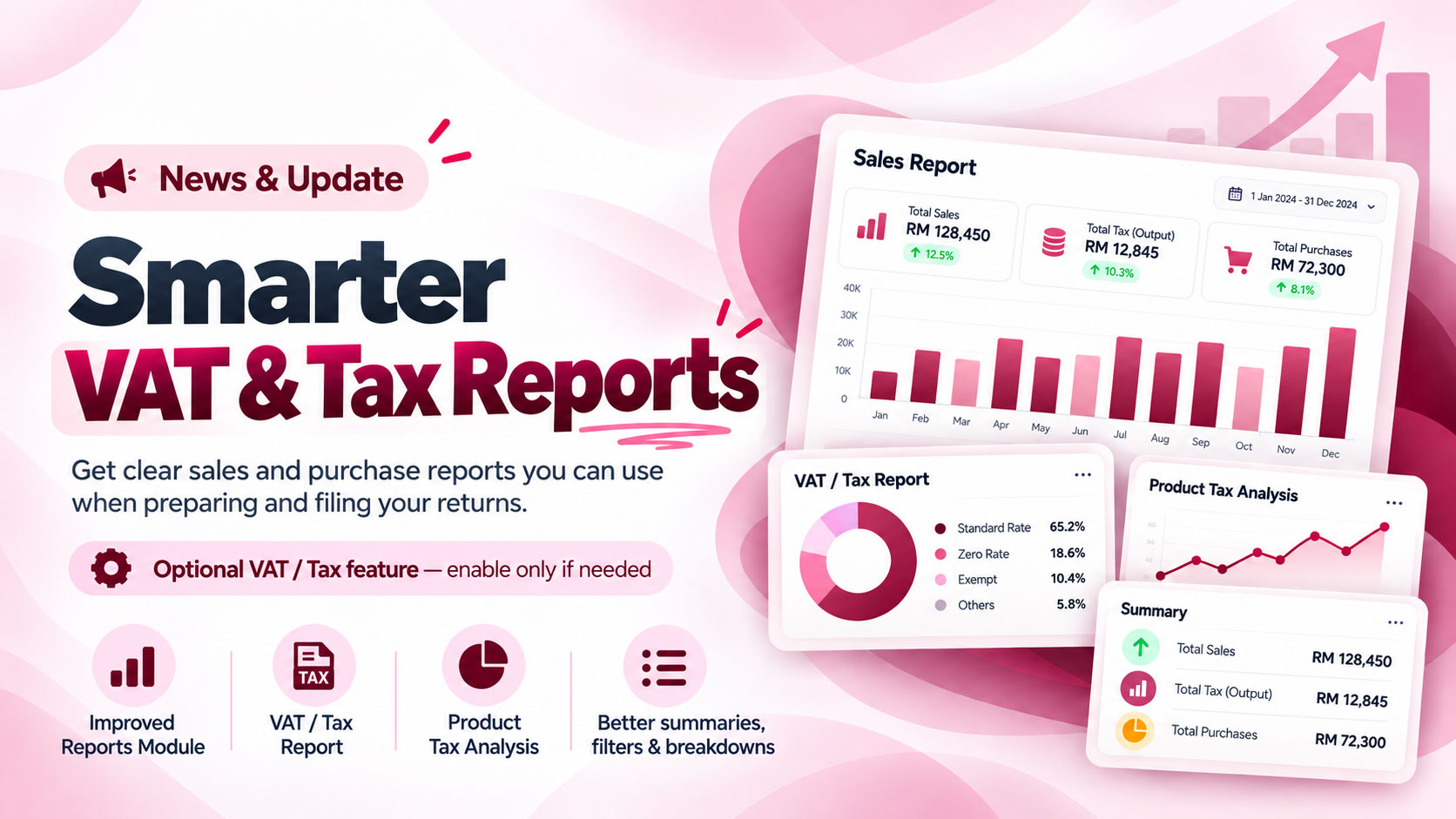
FortyPOS reports have been expanded to give businesses a clearer view of the tax information behind their sales and purchases. The updated VAT and tax reports separate output tax, purchase input tax, purchase payable tax and net tax payable, while keeping the same flexible date filters used across FortyPOS reporting.
Tax reporting remains optional. Businesses that need VAT or tax reporting can configure the relevant tax settings and product tax types, while businesses that do not use tax can continue operating FortyPOS without enabling the tax option.
For return preparation: you can filter the reports to the period you are filing, review the calculated figures, and use the report totals and exports as supporting business records when preparing your returns.
Two tax views for different needs
VAT / Tax Report
Review sales and purchases for the selected period, including output tax, input tax, purchase payable tax and the resulting net tax payable.
Product Tax Analysis
Analyse tax by product using the product tax rate, inclusive or exclusive tax type, sales activity and purchase-cost information.
Understand input and output tax more clearly
For products configured as tax inclusive, FortyPOS can extract the tax contained in the selling price and the input tax contained in the purchase cost. The input tax can then be reflected against the output tax when calculating the net tax position.
For products configured as tax exclusive, FortyPOS calculates the tax added to the selling or purchase price according to the product’s tax configuration. This makes it easier to see where the tax amount comes from instead of relying on one combined figure.
Filter the exact period you need to file
Use Today, This Week, This Month, Current Year or a custom date range to isolate the filing period you need. Where available, you can also narrow the report by branch, product, category or brand.
The report can then be exported for review or record keeping, making it easier to work from the same figures when preparing a return or sharing records with an accountant or tax adviser.
Important reporting note
FortyPOS helps organise and calculate figures from your business records; it does not replace your responsibility to confirm the accuracy of those records or the tax treatment required for your business. Review the figures before filing and follow the applicable KRA requirements for your return.
Available on web and mobile
The improved reports are available in the FortyPOS web dashboard, and the mobile Reports module has also been updated so business owners can review the same tax summaries and report breakdowns from the Android app.
Use your FortyPOS records to prepare your next return
Choose the filing period, review your sales and purchase tax figures, and export the report you need for your records.