


























Sales and checkout
Create sales, select customers, apply the right prices, receive payments and issue digital or printed receipts.
Explore salesAffordable web and mobile POS system in Kenya
FortyPOS is a modern Point of Sale, Inventory, and Business Management System built for Kenyan businesses. It helps retailers, pharmacies, agrovets, hardware stores, and service businesses manage sales, stock, non-stock products, customers, staff, and branches from one powerful platform. Whether you run a single outlet or multiple branches, FortyPOS gives you the control, flexibility, and visibility you need to grow with confidence.


KES 240
14 Days







FortyPOS plans provide access to the web and mobile platforms, but each package has capacity and business-type limits. The right plan depends on your products, staff, branches and the ways you sell.
Plans start from
KES 240 / 30 days
Entry plans suit smaller, single-branch businesses with lower product and user requirements.
Free trial
14 days
Configure the business and test its workflows before selecting a paid plan.
Use the plan calculator to enter your business requirements and identify the closest package before you subscribe.
Calculate the right planA cheaper package may provide the modules you need but still be unsuitable when one of these limits is exceeded.
Plan limits and optional-service availability can change. Confirm the current package details before subscribing.
Run a standalone point of sale on a single Windows computer without an internet connection for normal operation. An alternative to our managed cloud subscription for businesses that prefer a fully offline setup.
Standalone licence
KES 9,999
One-time payment · 1 computer · Offline operation
This is not a lifetime maintenance or upgrade contract. Support, replacement device activation, backups and any future upgrades should be confirmed before purchase.
FortyPOS is designed for businesses that sell physical products, offer services, or combine both. With support for stock and non-stock items, it fits retailers, pharmacies, agrovets, hardware stores, salons, repair centers, consultancies, and other growing businesses that need a smarter way to manage daily operations.
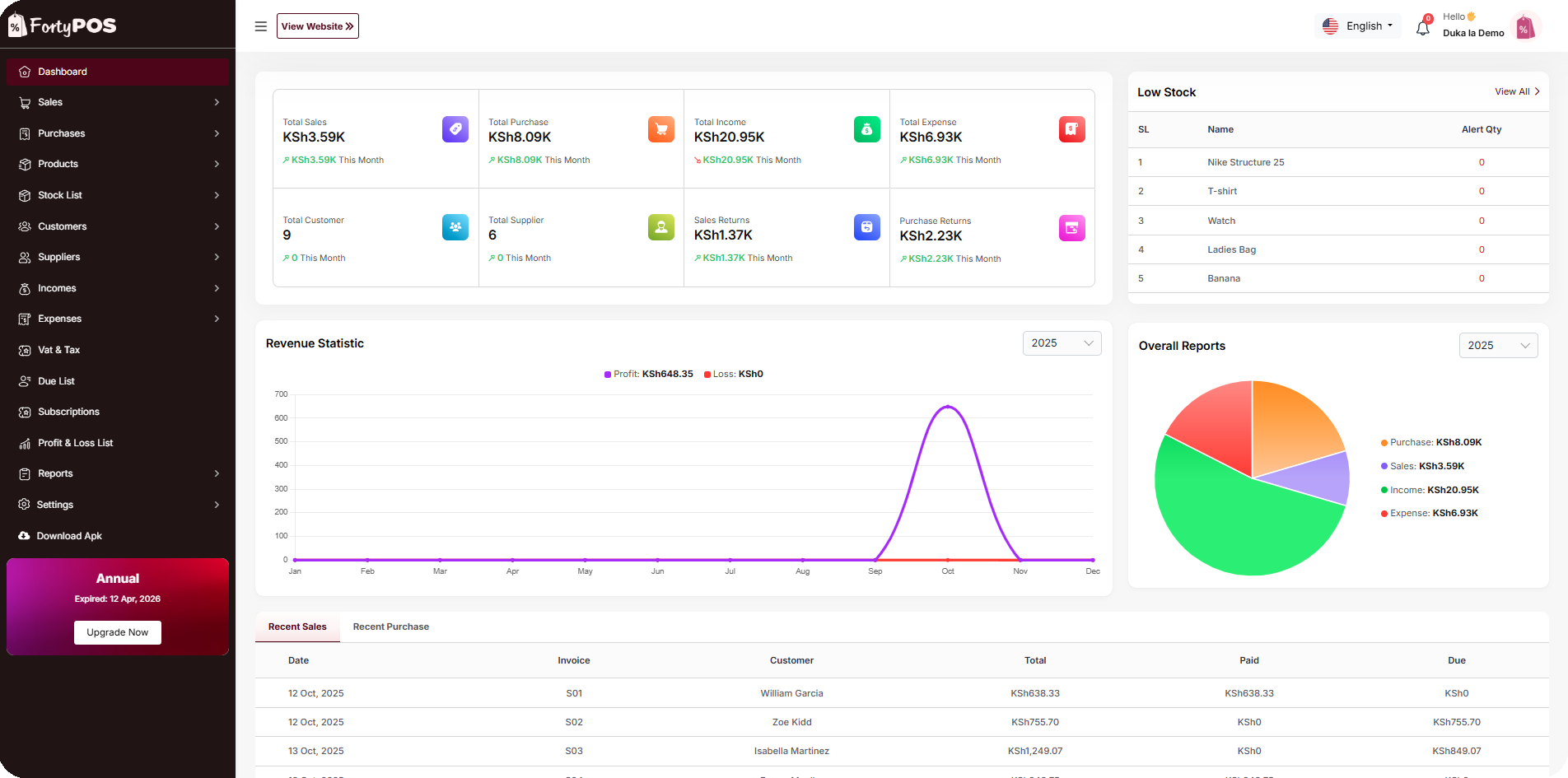
Manage sales, inventory, and reports all from one place. Simple, fast, and built for your business.
Create and track sales orders from the web.
Record and manage supplier purchases.
Add and manage your product inventory.
Track stock levels in real time.
Manage customers and suppliers easily.
Track all financial transactions.
View and manage pending payments.
Generate and download performance reports.
FortyPOS connects the everyday activities that determine whether your business is profitable, controlled and ready to grow.
Track sales, purchases, income, expenses, dues and stock movement from a single dashboard.
Follow quantities, batches, expiries, adjustments and unit conversions with a traceable stock history.
Assign permissions by role and use audit information to understand important actions taken in the system.
Keep customer balances, supplier accounts, due collections, statements and payment histories organised.
Separate stock and users by branch while maintaining a wider management view across the business.
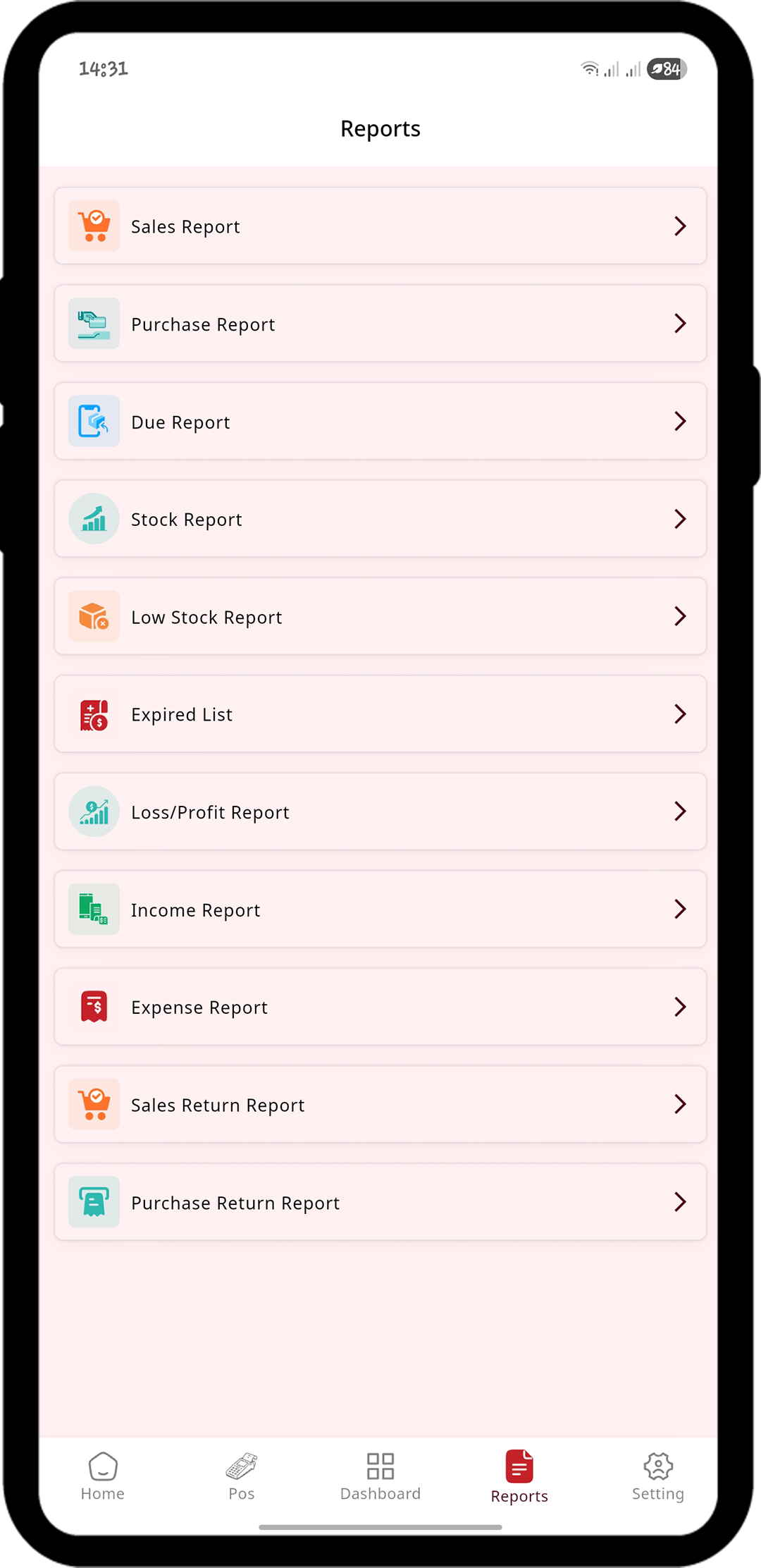
Review product performance, profit and loss, inventory, purchases, statements and end-of-day reports.
Start with simple checkout, then use the inventory, reporting and control features your business needs as it grows.
Create sales, select customers, apply the right prices, receive payments and issue digital or printed receipts.
Explore salesTrack stock levels, batches, expiry dates, adjustments, stock history, low stock and purchase movement.
Explore inventorySell stocked items, services, non-stock items, measured quantities, multiple units, refillables and exchange products.
See selling optionsMaintain different selling prices and serve retail or wholesale customers without creating duplicate products.
Explore pricing controlsRecord purchases, expenses and income, then automate recurring entries and invoices where appropriate.
Explore operationsKeep contacts, balances, payments, due collections and statements connected to their business records.
Explore account managementGive each staff member only the access they need and review important system actions through audit trails.
Explore access controlUse shared filters, product reports, statements, profit and loss, audit views and Z-reports to close the day confidently.
Explore reportsThe guided setup helps you configure the business in a practical sequence without requiring technical skills.
Register and select the package you want to test.
Set currency, tax, payment, branch and product preferences.
Create or import items, prices, units and opening stock.
Create roles and give each user only the access they need.
Test checkout, receipt printing and the reports generated.
FortyPOS includes practical controls that help owners manage access, review changes, reconcile activity and get assistance when setup becomes complex.
Decide which menus and actions each staff role can access.
Review important changes and actions for stronger accountability.
Use transaction records, statements and exports where available for reconciliation.
Reach the support team by WhatsApp, phone or email for setup and usage questions.
These answers cover the most important package, setup and capability questions. Integration requirements should always be confirmed with support.
Ask another questionPlans start from KES 240 per month. The suitable package depends on the number of products, users, branches and capabilities your business needs.
Yes. New businesses can start with a free 14-day trial to configure the system and test its main workflows.
Yes. FortyPOS is available through a web console and mobile applications, allowing authorised users to work from supported phones, tablets and computers.
Yes. Products can have retail and wholesale pricing, and the appropriate price can be applied based on the customer and sale setup.
Yes. FortyPOS supports multiple units and measurable-product workflows. It can also handle refillable and exchange products where the business needs to track returned empties.
Yes. Batch-based inventory and expiry tracking are available for businesses such as pharmacies, agrovets and shops that handle dated stock.
Yes. Multi-branch and warehouse management is available on eligible packages, with branch-level stock, users and reporting controls.
Yes. Businesses can assign role-based permissions and review audit information for important actions, helping owners control access and accountability.
Reports include sales, purchases, dues, stock, low stock, product performance, income, expenses, profit and loss, returns, statements, audit information and end-of-day Z-reports, subject to permissions and package capabilities.
The platform supports self-setup. Guided onboarding, physical setup, inventory entry and stock-take assistance can be requested separately and may attract additional charges.
Payment and tax integrations are handled according to the business setup and current integration availability. Contact support to confirm the supported option, requirements and any additional implementation charges before purchase.
Explore our YouTube tutorials to learn how FortyPOS works, how to set up your business, manage products and non-stock items, and use key features across web and mobile.
Practical ways different trades can use FortyPOS to manage everyday sales, stock, customers, staff and reporting.
Record counter sales, follow stock movement, manage customer balances and review daily performance from one system.
View relevant workflow
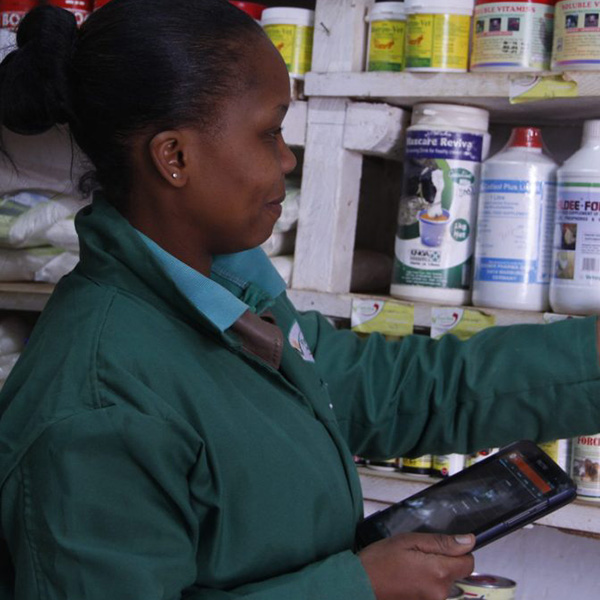
Track batches, expiry dates, pack sizes, supplier purchases and stock quantities for medicines, feeds and farm supplies.
View relevant workflow
Sell by piece, pack or measured quantity, prepare quotations and manage contractor or customer credit accounts.
View relevant workflow
Bill for services and products together while controlling staff access to sales, expenses, customers and reports.
View relevant workflow
Separate branch stock and users while giving owners a wider reporting view across eligible multi-branch packages.
View relevant workflow
Maintain retail and wholesale prices, supplier records, customer dues, statements and product-performance reports.
View relevant workflow
Stay informed on how Kenyan businesses are using FortyPOS to improve sales, manage inventory, and grow faster.

See how FortyPOS gives business owners clear daily sales visibility, cashier activity, receipts, and performance reports from one dashboard.

Product-wise reports help shops identify fast-moving items, slow-moving stock, profitable products, and buying patterns.

Learn why custom date filters such as today, yesterday, this week, this month, and custom ranges make reports more useful.
See how FortyPOS gives business owners clear daily sales visibility, cashier activity, receipts, and performance reports from one dashboard.
Product-wise reports help shops identify fast-moving items, slow-moving stock, profitable products, and buying patterns.
Learn why custom date filters such as today, yesterday, this week, this month, and custom ranges make reports more useful.
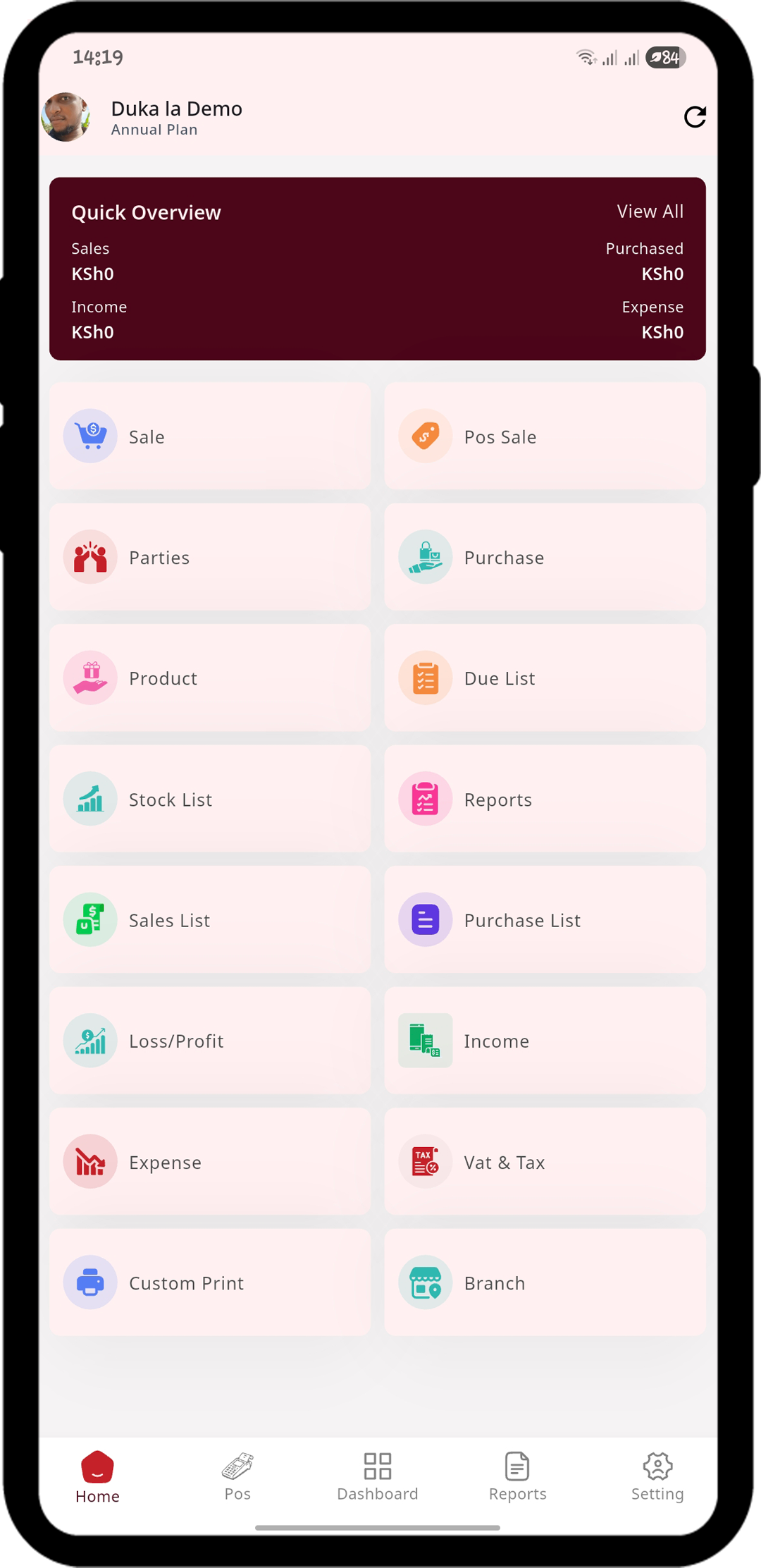
Manage operations, track data, and stay connected using our Android and iOS apps. Built for speed, simplicity, and real-time sync with the web platform.
Use the free trial to confirm that the system fits your business. The support team can help clarify package limits, setup services and integration requirements.